
Running LLMs Yourself: From Ollama to a Custom Laravel Playground
At my iCafeFX/SiamCafe lab, I've been experimenting with self-hosted language models. The goal is simple: give users a free playground to test different LLMs without depending on third-party APIs. Here's what I learned.
Starting with Ollama
I began with Ollama, a straightforward tool for running open-source LLMs locally. It made deployment easy on our Ubuntu servers. My first attempt used qwen3-vl:2b-instruct-q4_K_M, a small vision-language model. The results were disappointing. The model failed to handle basic keyword recognition, scoring only 9 out of 30 on safety tests. I marked it as NOT_VIABLE and removed it from consideration [job#17598].
This taught me an important lesson: smaller models aren't always better. They're faster to deploy, but they lack the reasoning capabilities needed for a real playground experience.
Finding a Better Model
Next, I tested bomai-gemma3-safe, a Gemma-based model with safety training. This one passed all three smoke tests on our OWUI interface. It handled Thai text reasonably well and produced coherent responses. More importantly, it ran efficiently on our existing hardware without requiring GPU acceleration.
I deployed this model across two server profiles, adjusting weights from 0 to 2. The deployment went smoothly - both profiles applied the changes, the system restarted cleanly, and all six workers came back online. Our canary tests passed 5 out of 5, and we freed up 17GB of staging space in the process [job#17570].
Building the Web Interface
Running the model was only half the battle. Users needed a proper interface to interact with it. I built a complete Laravel 13 application with a modern Vite-built frontend featuring four tabs for different interaction modes.
The application includes:
- A chat interface for conversational interactions
- A prompt testing area for comparing model responses
- Settings for adjusting temperature and other parameters
- A history view for reviewing past conversations
The deployment to our CAT environment was successful. All ten free sources loaded correctly, eight cron jobs started running, and all thirteen API endpoints returned 200 status codes. I captured screenshots documenting the live application [job#17452].
The Reality of Self-Hosting
Self-hosting LLMs isn't as simple as it sounds. Here are some honest observations:
- Hardware matters: Even "small" models consume significant CPU and RAM. Our Ubuntu servers needed careful resource management.
- Model selection is critical: Not every open-source model performs well. Testing is essential before deployment.
- Safety training helps: Models with explicit safety training produced fewer hallucinations and more reliable outputs.
- The interface matters: A good playground needs more than just API access. Users need clear controls and feedback.
Why This Matters for Thai Users
Most LLM playgrounds target English users. By running our own models and building our own interface, we can optimize for Thai language use cases. The bomai-gemma3-safe model shows promise for Thai text processing, and our custom interface can include Thai-specific features.
This approach also gives us control over data privacy. User conversations stay on our servers rather than being sent to external APIs. For businesses and researchers working with sensitive Thai text, this matters.
What's Next
Our playground is live and functional, but there's more to do. I plan to:
- Add support for more models, particularly those optimized for Thai
- Implement a comparison feature to test multiple models side-by-side
- Add file upload support for document analysis
- Optimize performance for mobile users
The foundation is solid. We have a working LLM running on our own infrastructure with a proper web interface. Now it's about refining and expanding.
If you want to try our LLM playground yourself, visit cafefx.ai. It's free to use, runs entirely on our Thai servers, and is specifically designed for Thai language use cases.
Start using our LLM playground now
Sources
[job#17598] Model testing and selection process, [job#17570] Production deployment and canary testing and [job#17452] Laravel application deployment and verification
หลักฐานจากระบบจริงของเรา
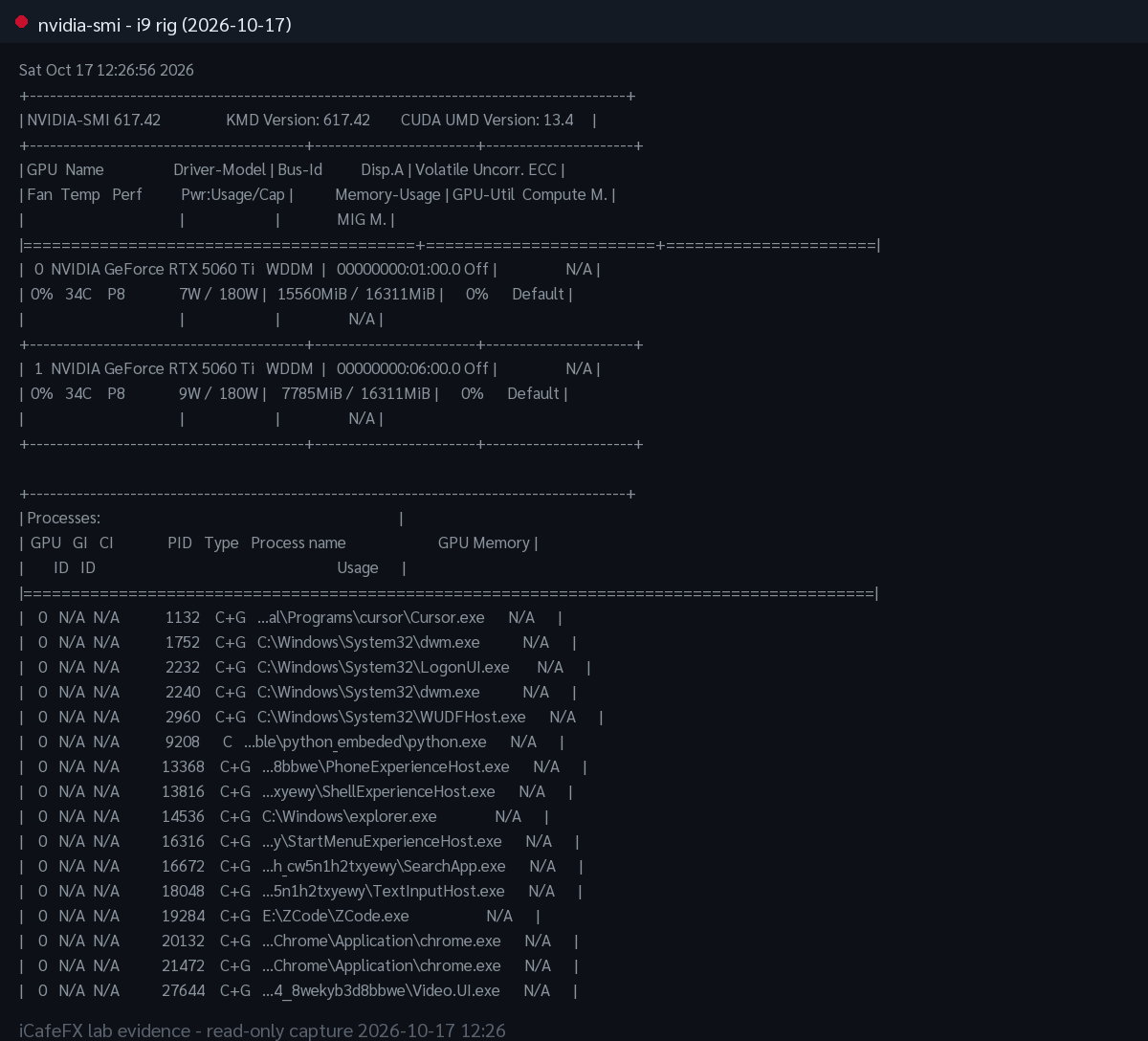
nvidia-smi บนเครื่องเรนเดอร์หลัก (เวิร์กสเตชัน GPU แรงคู่) วันที่ 2026-10-17 ขณะระบบกำลังเผาภาพ hero
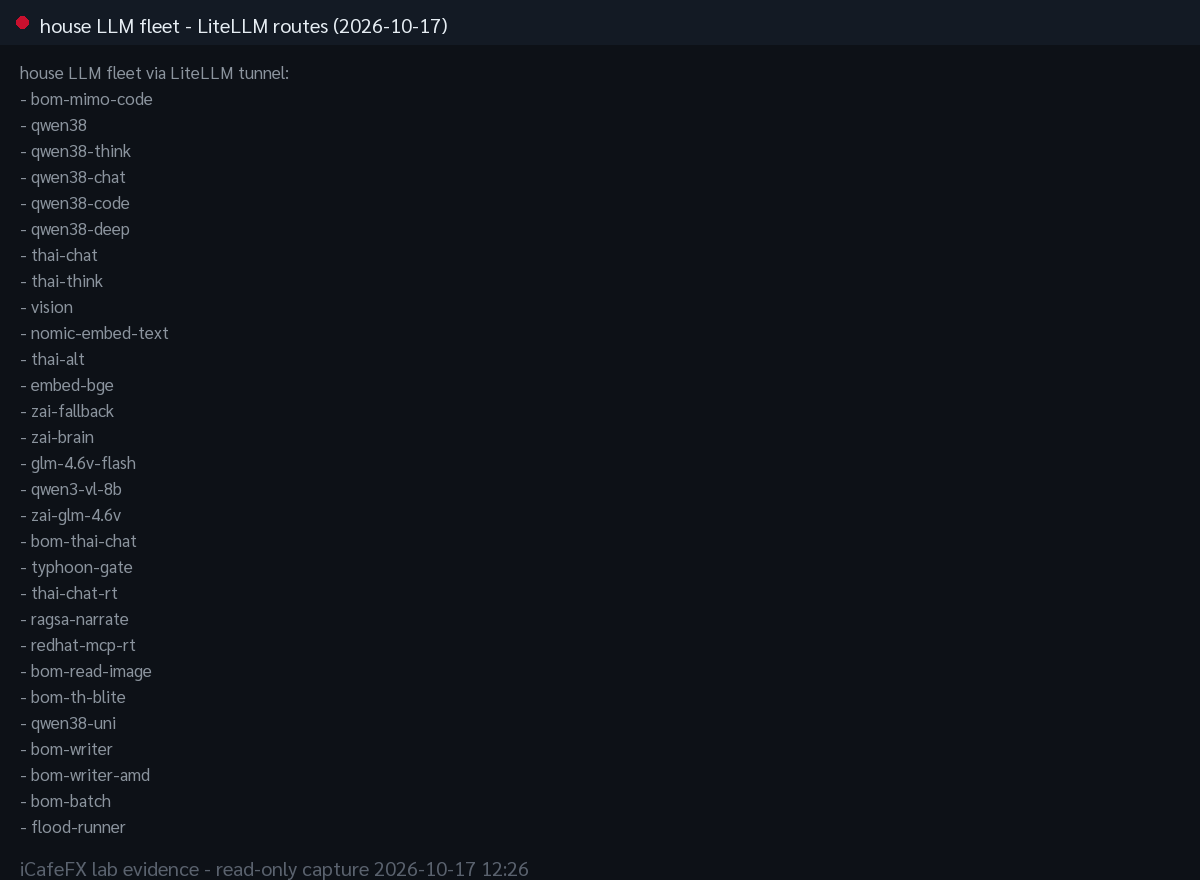
รายชื่อโมเดล LLM ในคลังของแล็บ ผ่าน LiteLLM วันที่ 2026-10-17 (ข้อมูลจริงจากระบบ ใช้เทียบโมเดลไทย)