Quick summary
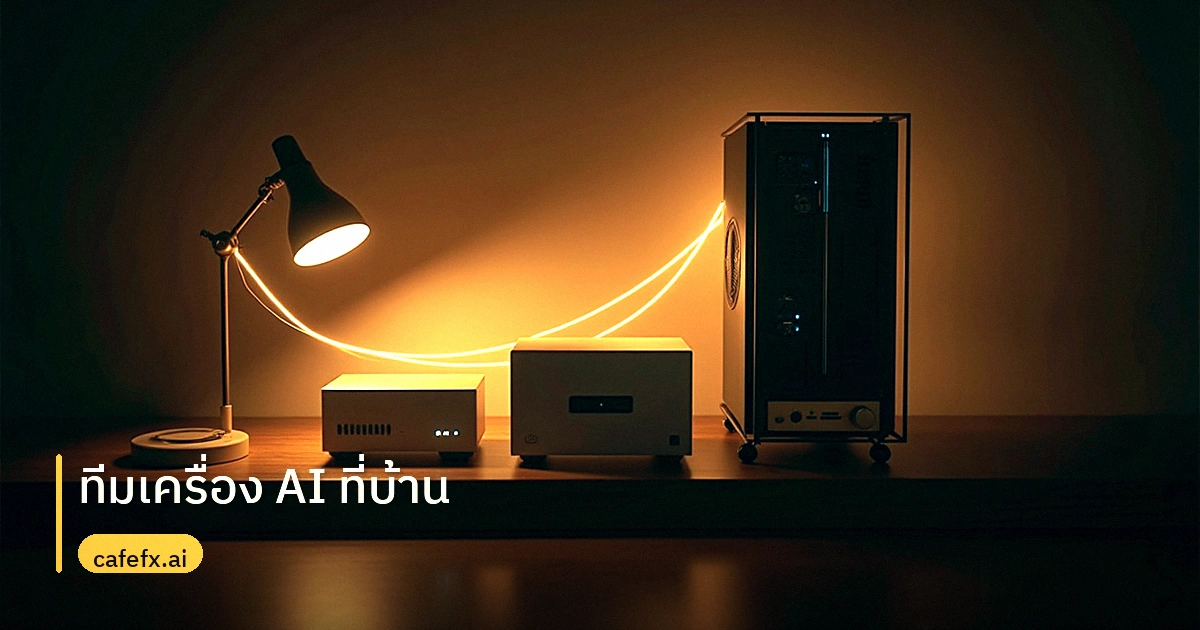
- Three machines share work: a Mac Mini M4 Pro handles fast daily tasks, a Windows RTX 5060 Ti workstation runs heavy AI models, and a home storage server keeps all data in one place.
- Connect them with Redhat MCP AI so files and model outputs move between machines automatically.
- Expect about 3.4 seconds for initial transcription and 25-28 tokens per second for local language models.
Why split AI work across three machines instead of one powerful PC?
My Mac Mini M4 Pro handles daytime work, MetaTrader 5 gold trading, and the iCafeFX app because those tasks need instant response. Gold trading is a real-time activity, so I keep it on the fastest machine in the setup.
The home storage server acts as the data center for everything else. It stores trading data, price history, AI project files, and completed work. Think of it as the anchor that keeps the whole system connected.
The Windows workstation with an RTX 5060 Ti (a mid-range graphics card) handles heavy tasks like training AI models, rendering, and experimenting with new models. I run image generation models and complex language models there, away from the machines that need to stay responsive.
This separation means each machine does what it does best. The Mac stays fast for trading, the workstation stays available for experiments, and the storage server keeps everything safe and accessible.
How do the three machines talk to each other without manual file transfers?
I use Redhat MCP AI as the bridge between machines. When I'm working on the Mac Mini and need to run a model on the Windows workstation, the data moves automatically through that connection.
The home storage server makes this possible by being the shared data center. All three machines read from and write to it, so there's no confusion about where files live.
Setting up this workflow took time. I had to define clear roles for each machine so they don't compete for resources or get confused about their jobs. The key lesson was making sure each machine knows exactly what it can and cannot do.
If you're curious about how local AI compares to cloud services, I wrote about how local AI beats cloud in news analysis. The difference in response time and privacy is significant once your system is properly configured.
What real performance can you expect from a home AI fleet?
After running the system for a while, I measured actual performance. Initial transcription work responds in about 3.4 seconds, which is fast enough for practical use.
Language models run at 25-28 tokens per second on this setup. That's sufficient for daily work like drafting, editing, and analysis. Text similarity testing showed results as high as 0.9956, indicating the system maintains precision across tasks.
Gold trading and AI work run simultaneously without performance issues. The Mac handles trading charts while the workstation processes AI experiments, and neither slows down the other.
For anyone building a similar setup, I recommend checking how to choose a GPU for AI trading. The right graphics card makes a big difference in model training speed and inference time.
What are the practical lessons from running a multi-machine AI system at home?
Network management and file sharing are harder than they look. I learned that clear role definition prevents most problems. Each machine needs to know its job before you start moving data between them.
Regular backups are essential. The home storage server serves as the data center, but you still need a backup strategy in case of hardware failure. I keep critical data backed up automatically.
The biggest advantage is flexibility. When one machine is busy, the others keep working. If the workstation is training a model, I can still trade gold on the Mac without waiting.
For those interested in gold price alerts on their phone, I built a LINE bot for gold price notifications. It connects to the same data pipeline that feeds my trading system.
Where does this home AI fleet go next?
I plan to connect the AI system more directly with gold trading. The goal is building models that analyze gold trends more effectively using the data already being collected.
Experimenting with new models remains a priority. The workstation setup allows me to test models before they're ready for production use, which reduces risk when deploying to the live trading system.
If you're considering a home AI setup, start with clear roles and a solid data center. The rest builds on top of that foundation. I've documented my approach in my home AI fleet guide.